FEATURE HIGHLIGHTS
Core Capabilities

OBDResource F001 FORScan ELM327 USB OBD2 Adapter for Ford Lincoln Mazda Mercury
Stable wired USB OBD2 diagnostic adapter for FORScan users. Ideal for Ford, Lincoln, Mazda, and Mercury diagnostics, code reading, code clearing, live data, and supported module access.
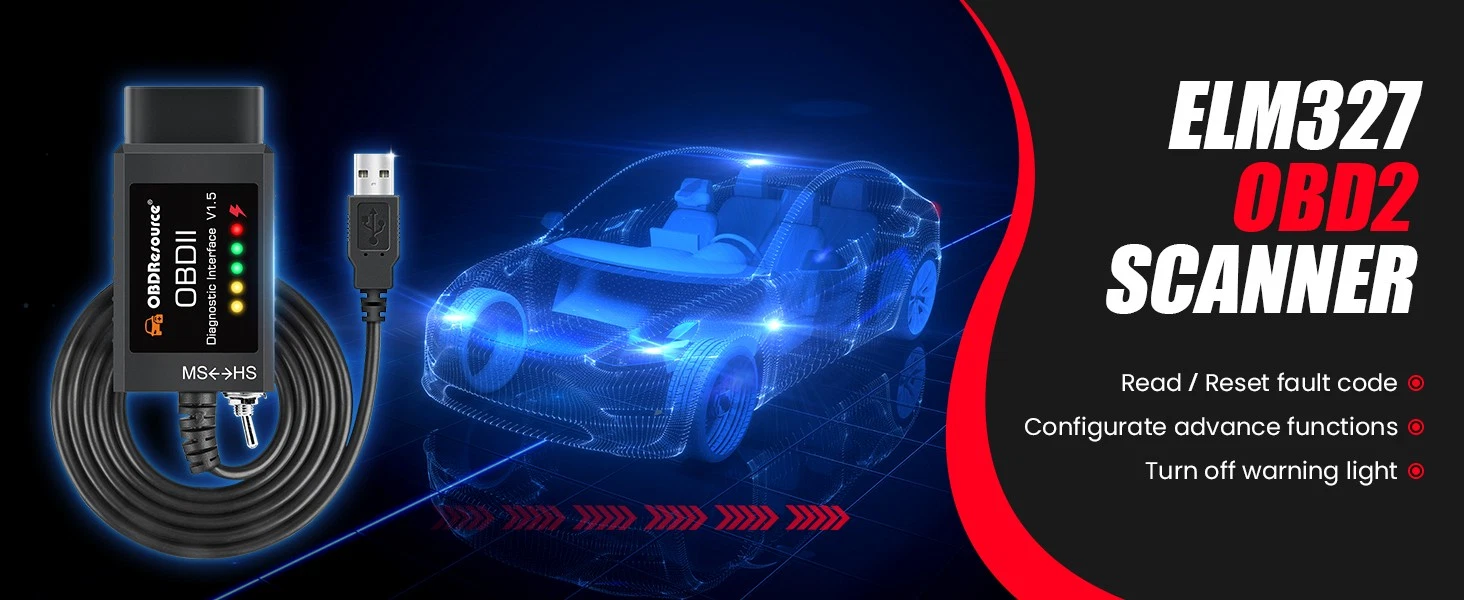
Key Features
- Stable USB Connection – Direct wired connection provides reliable communication between your vehicle and Windows computer.
- FORScan Compatible – Works with FORScan and other compatible ELM327-based diagnostic software.
- HS-CAN & MS-CAN Support – Helps access more supported modules on compatible Ford, Lincoln, Mazda, and Mercury vehicles.
- Read & Clear Codes – Read diagnostic trouble codes, clear fault codes, and reset the check engine light after inspection or repair.
- Live Data Monitoring – View real-time vehicle sensor data through compatible diagnostic software.
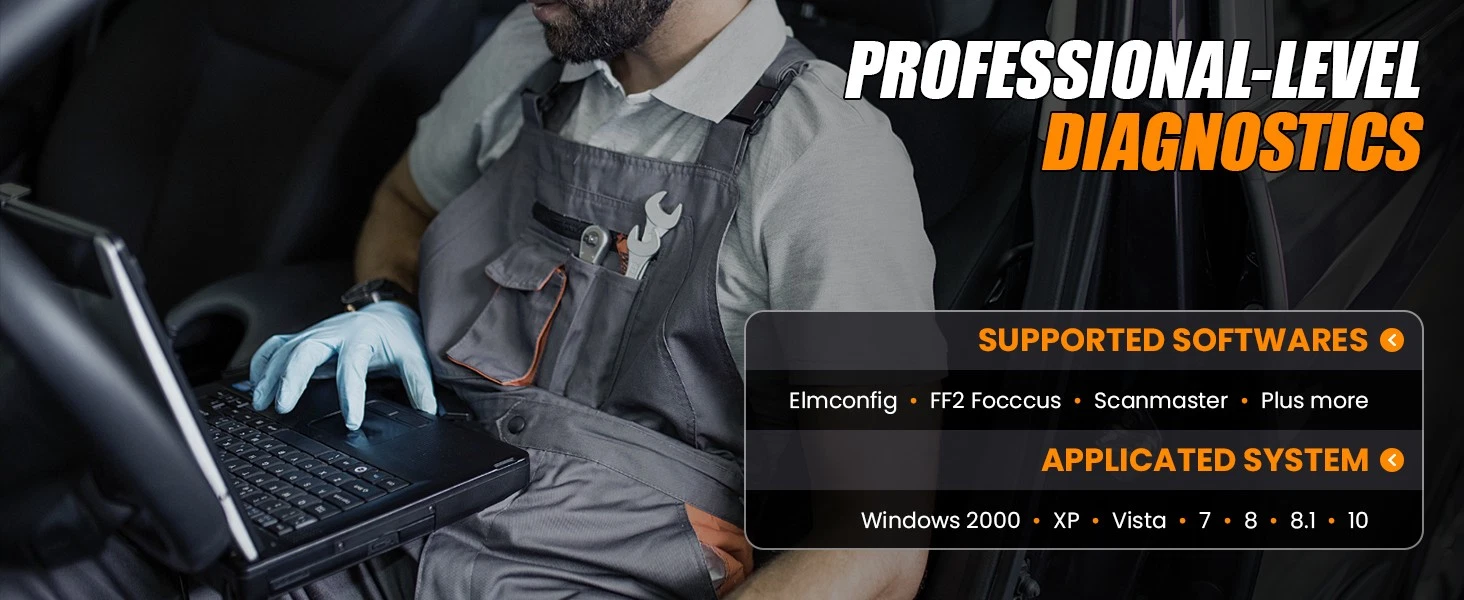
- Multiple Software Support – Compatible with FORScan, ELMConfig, FoCCCus, ELM-FF2, and other supported OBD2 programs.
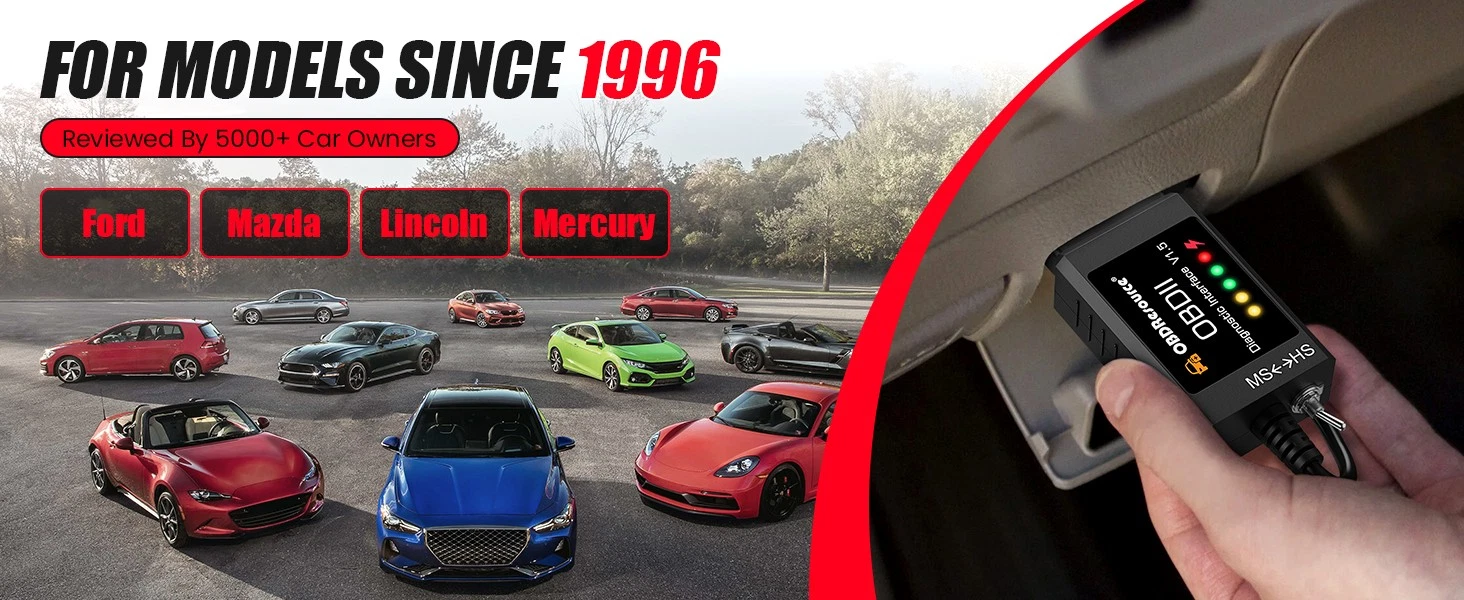
- Ford-Focused Diagnostics – Commonly used with Ford F-150, F-250, F-350, Focus, Escape, Explorer, Fusion, Mustang, Ranger, Transit, Edge, Expedition, and more.
Product Overview
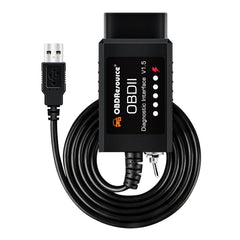
The OBDResource F001 FORScan ELM327 USB OBD2 Adapter is a practical wired diagnostic interface designed to connect your vehicle’s OBD2 port to a Windows laptop or PC. It is built for users who need stable communication when working with FORScan and other compatible ELM327-based diagnostic programs.
With USB connection, HS-CAN and MS-CAN support, and Ford-focused software compatibility, this adapter helps users read and clear fault codes, reset the check engine light, view live data, and access supported vehicle modules depending on vehicle model, year, and software capability.
Compared with many wireless OBD2 adapters, the F001 provides a more stable wired diagnostic experience, making it a practical choice for DIY users, Ford owners, used car dealers, repair shops, and technicians.
Why Choose OBDResource F001?
USB connection helps maintain a consistent data link between your vehicle and computer.
Designed for users who need a practical adapter for FORScan and compatible diagnostic software.
Helps access more supported modules on compatible Ford-related vehicles.
A useful tool for car owners, DIY mechanics, used car dealers, technicians, and repair shops.
Applications
- Ford vehicle diagnostics
- Read and clear diagnostic trouble codes
- Reset check engine light after repair
- View real-time live data
- Access supported modules through FORScan ELMConfig FoCCCus, ELM-FF2, etc
- Used car inspection
- DIY vehicle maintenance and troubleshooting
Compatible Vehicle Brands
- Ford
- Lincoln
- Mazda
- Mercury
Commonly used with Ford models such as F-150, F-250, F-350, Focus, Escape, Explorer, Fusion, Mustang, Ranger, Transit, Edge, Expedition, and other compatible OBD2 vehicles.
How to Use
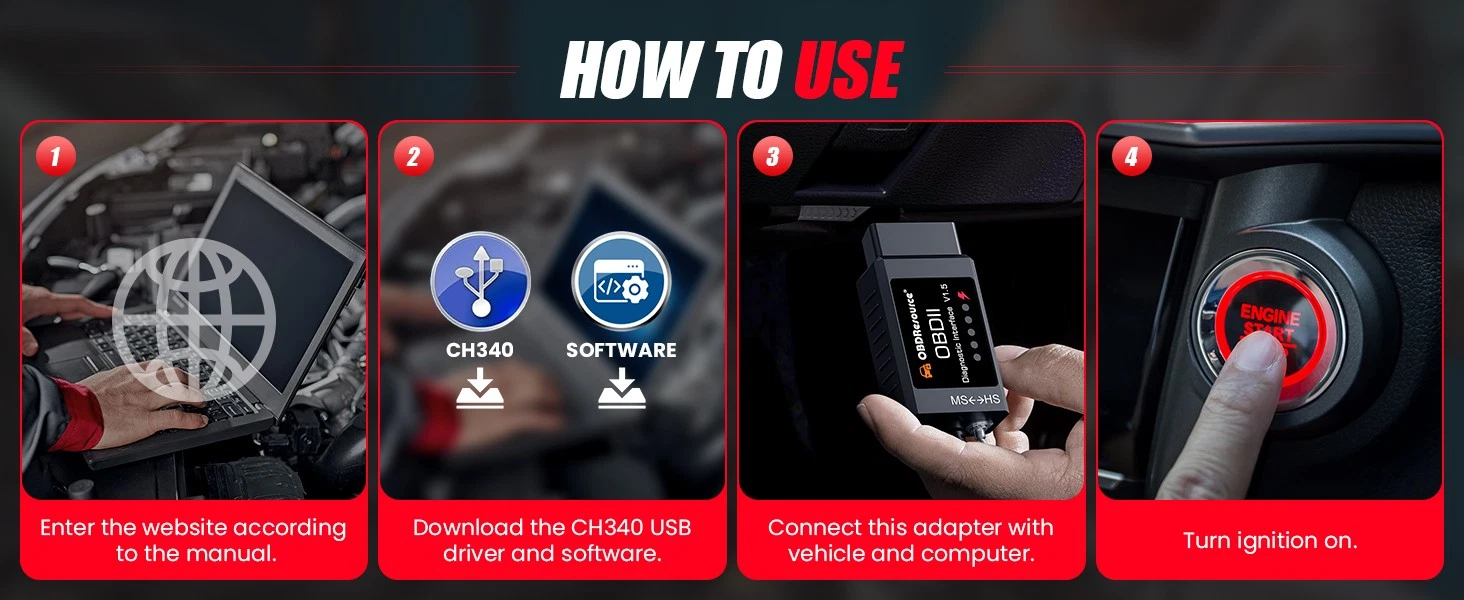
- Download and install compatible diagnostic software such as FORScan on a Windows computer.
- Download and install the CH340 USB driver from https://sw.forscan.net
- Plug the OBDResource F001 adapter into the vehicle’s 16-pin OBD2 diagnostic port.
- Connect the USB cable to your Windows laptop or PC.
- Turn the ignition to the ON position or start the vehicle.
- Open the diagnostic software and connect to the vehicle.
- Start reading codes, clearing codes, viewing live data, or accessing supported modules.
Specifications
- Brand: OBDResource
- Model: F001
- Product Type: ELM327 USB OBD2 Diagnostic Adapter
- Connection: USB
- Hardware Version: V1.5
- Supported Software: FORScan, ELMConfig, FoCCCus, ELM-FF2, and other compatible OBD2 software
- OBD Interface: OBDII, EOBD, CAN
- Communication Support: HS-CAN, MS-CAN
- Supported Vehicles: 12V OBD2-compliant vehicles
- Primary Compatibility: Ford, Lincoln, Mazda, Mercury
- Computer System: Windows PC or laptop
- Main Functions: Read codes, clear codes, check engine light reset, live data, supported module diagnostics
- Connector: Standard 16-pin OBD2 connector
Looking for a reliable FORScan USB adapter for Ford, Lincoln, Mazda, or Mercury vehicles? The OBDResource F001 is a wired ELM327 USB OBD2 diagnostic adapter designed for stable communication, HS-CAN and MS-CAN support, code reading, code clearing, live data, and compatible module diagnostics. It is ideal for users searching for a Ford OBD2 scanner, FORScan adapter, ELM327 USB adapter, HS-CAN MS-CAN adapter, or Windows OBD2 diagnostic cable.
FAQ
Q: Does this adapter work with FORScan?
A: Yes, the OBDResource F001 is designed to work with FORScan and other compatible ELM327-based diagnostic software.
Q: Does it support HS-CAN and MS-CAN?
A: Yes, it supports HS-CAN and MS-CAN communication for compatible Ford, Lincoln, Mazda, and Mercury vehicles.
Q: What vehicles is it commonly used with?
A: It is commonly used with many 1996 and newer OBD2-compliant Ford, Lincoln, Mazda, and Mercury vehicles, including Ford F-150, F-250, F-350, Focus, Escape, Explorer, Fusion, Mustang, Ranger, Transit, Edge, Expedition, and more.
Q: What computer system is recommended?
A: A Windows laptop or PC is recommended because FORScan and related USB driver support are commonly Windows-based.
Q: Can it repair vehicle problems automatically?
A: No. This is a diagnostic adapter. It can help read and clear codes through compatible software, but it does not repair the underlying mechanical or electrical problem.
Q: Is this product made by Ford or FORScan?
A: No. FORScan, Ford, Lincoln, Mazda, Mercury, and other vehicle names are used for compatibility reference only. This product is not manufactured or endorsed by those brands.
Q: Where can i download the software or USB driver?
A: You can download from https://sw.forscan.net for everything, including software, CH340 USB driver and Videos.
Stable Wired Diagnostics for Ford Vehicles
Choose the OBDResource F001 FORScan ELM327 USB OBD2 Adapter for reliable USB diagnostics, code reading, code clearing, live data, and Ford-focused module access through compatible software.
PRODUCT OWNERSHIP
Resources & Support
Find product documentation, available updates and technical help.


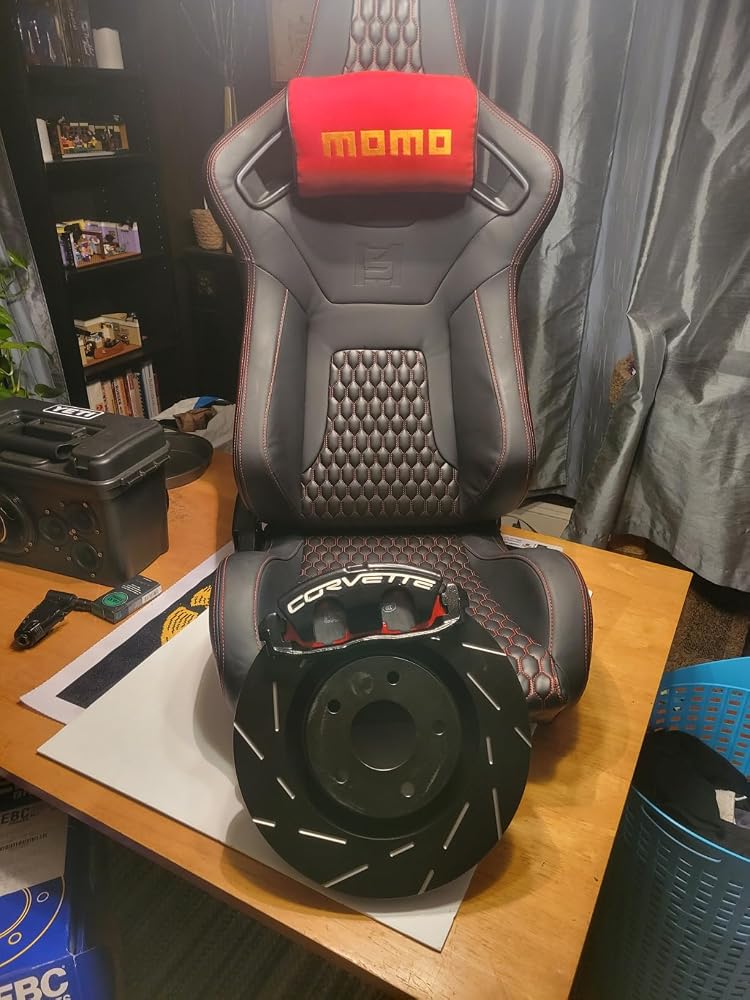
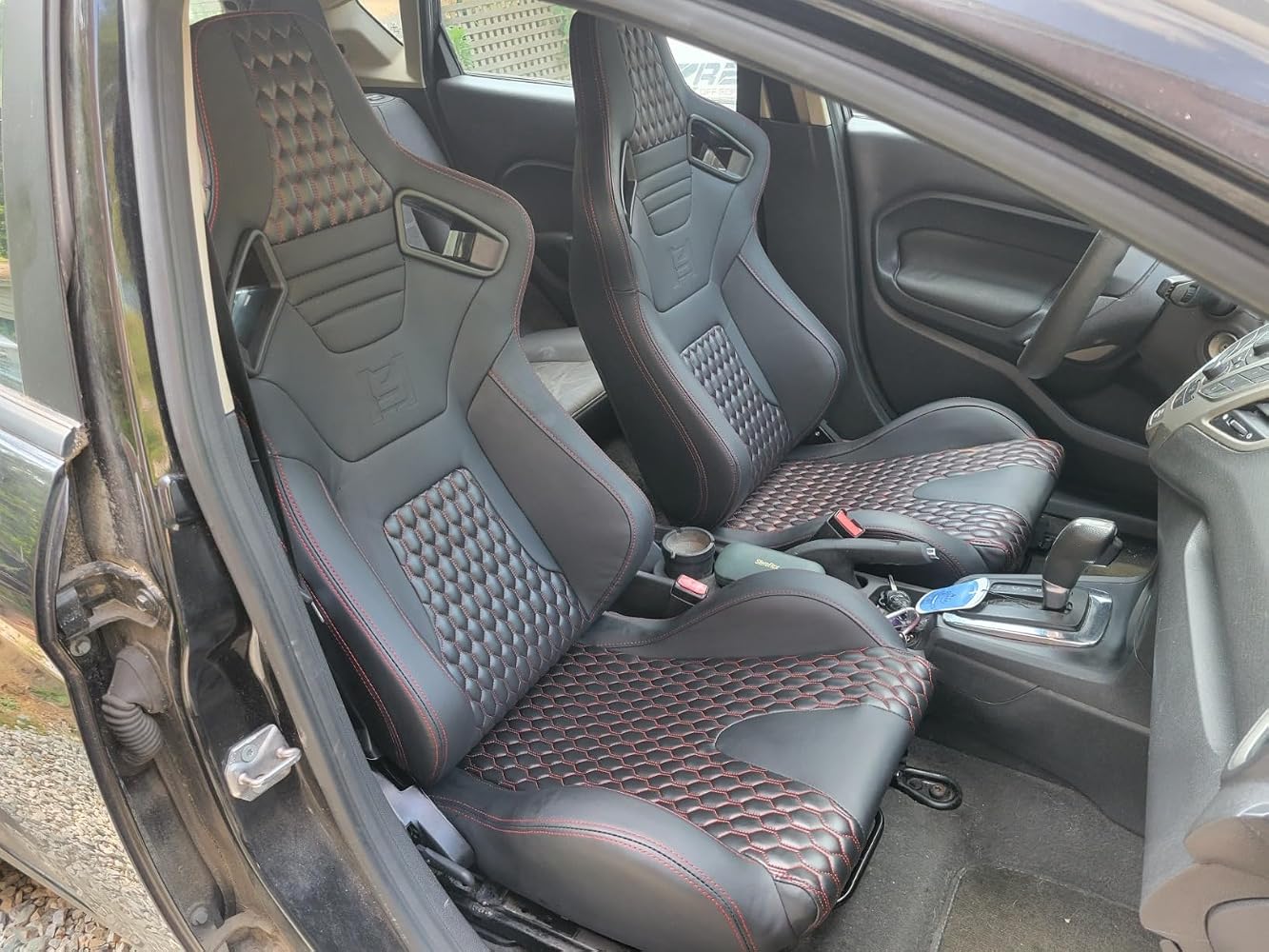
All I wanted to do was knock my airbag light off the dash after installing some seats. Didn't support. Junk. Software was near impossible to download and barely got it "running" . Once it opened, I saw how trash it was. Dint waste ypur money. And fyi, I'm a Master Mack/Volvo Tech and can program pcms,tcms and ecus on most anything from small aircraft to old cummins. It's not an operator error, it's a program issue. Did hear of more success with 2016+ but cannot verify as I only saw the final product. But wrap up- if it cannot even disable an airbag light, it's not a "programmer". Was able to accomplish my goal with a moderately priced scanner I ultimately purchased



I was able to download software and get device to read the data from my Ford 2121 Expedition but I was unable to modify even one simple option. Software said "Service procedure has been interrupted" Not sure if it was Ford preventing changes or the device/software not working fully. I tried to get my local Ford dealer to make the changes but they would not do it. (I wanted to disable the 12V power plug 75 minute cutoff to allow longer phone charging time.) Make sure you can find your car/truck option spreadsheet with Module, Address and values before proceeding. For me it was Power Point Timeout, Module BCM, Address [****], but I could not change even one Bit to Disable Timeout.

BLUF: This product works as advertised, for now. The adapter is no longer officially supported by FORScan.I purchased this adapter to modify some settings on my 2016 FPIU. My setup was as follows:1. MacBook Air with macOS Monterey2. VirtualBox with extension pack3. Windows 11 evaluation VMI installed FORScan on the VM and got the free 2 month extended license. I also installed the device driver from the website included with the instructions. I was then able to successfully modify some of my car’s settings.While connecting to the car, I received the message in the picture: “The adapter is NOT recommended for this car - some FORScan functions may not be available or not work properly”. Despite this, I had no issues with using the adapter.

I fixed my daughter’s 2014 Ford Escape. Didn’t have admin key and she couldn’t turn up music or go over 80 mph due to Ford MyKey functions. I ordered this, downloaded the VCP driver & Foccus 0.8.6 and it worked. I got a few errors while trying to Read from the BCM and then Write to the BCM but it finally worked. After I clicked “Read form the BCM, I went to #239 My Key and changed the number from 02 to 01. Then I clicked Write to the BCM. This removed the MyKey restrictions from the car. Saved me tons of money from the dealership. I also ordered a spare key and will set it up too. Thanks!

The media could not be loaded.
Difficult to find bidirectional Scanners to test Ford 7.3 Diesel not just read codes. Fraction of the cost of high end readers even reads srs, abs, overhead console instrument lights Injector Buzz test, Cylinder contribution and instrument cluster to name a few. See live values on oscilliscope Tables or dashboard on a pc laptop via usb. Not easiest navigation but plenty of online videos to learn from. Highly recommend! Works on Countless vehicles and variety of software but FORSCAN IS PREMIER FOR OLDER FORD DIESELS AND ITS FREE!!!

I got this OBD2 Scanner Diagnostic Coding Tool with MS-CAN/HS-CAN adaptor specifically to use with FORScan and it works perfectly. It is very easy to hookup and use with the software. Now I have the ability to make BCM programming changes to my truck. This wired version is much cheaper than the bluetooth versions out there.

How easy to use is it? It's...you plug it into your car and then into the computer, that's all! Then, you need software, you'll need the software, too, but that's even easier. It's on the internet. It provides, it gives you all the connectivity you need, to diagnose your error codes on your car. It's compatible with 2 types, which is more than only 1 type, that's why it has a switch. Read the manual, because you connect it with one type and then flip the switch!What a great value for the money!

I’ve used a few different ELM327 OBD2 adapters over the years, and the quality has been all over the place. Up until now I had only tried the WiFi and Bluetooth versions, and those seemed to work on maybe half the vehicles I plugged them into. I honestly didn’t even realize they made a version that connects directly to a laptop until I came across this one.Being able to plug it straight into my laptop has made a big difference. I haven’t run into any real issues so far, and it has worked with every vehicle I’ve tested it on. For around twenty dollars, if you already have a laptop available, this is absolutely worth choosing over the wireless adapters meant for phones or tablets.

At first, I had some difficulty getting this adapter to connect. I should have read the instructions. Where the instructions say to set the connection type in FORSCAN to Auto. That's important. After I did that, it worked perfectly. More importantly, FORSCAN did not give me the "Adapter not recommended" error that I get from my other ELM327. This makes me more comfortable making programming changes to my truck.
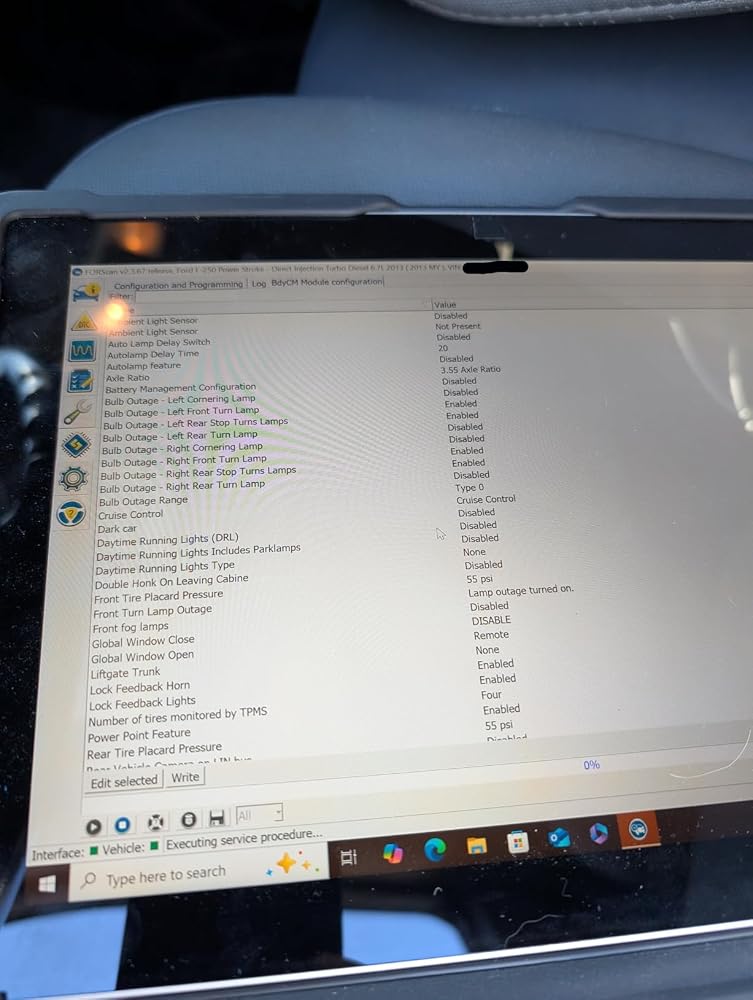
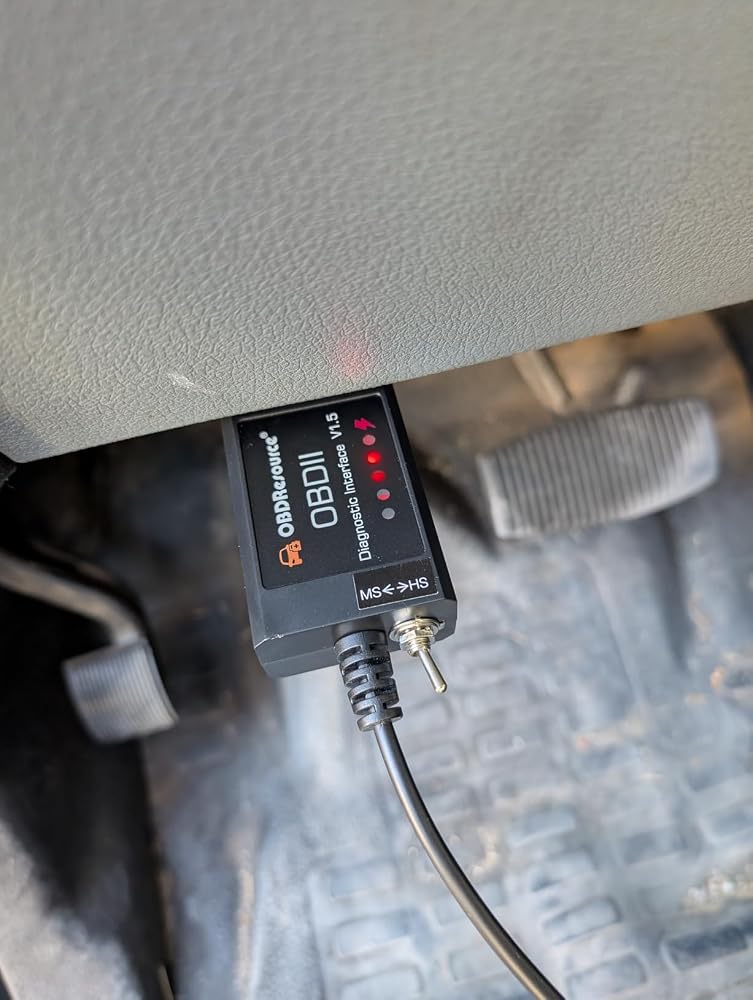
Works great for using forscan to change truck settings.
Order this to set Bambi mode on my F350. I wouldn’t recommend this product to anyone who isn’t moderately tech savvy. The tool is good quality for the low price. You need a laptop an software download to use the tool with your vehicle.There are a lot of options in the software and you should be cautious. The latest version is much easier to use than previous version and there is a good amount of information online about it.
The Ford dealership wanted $420 to put a trailer brake controller in my F150. I did it myself for $98. If you are not the greatest with computers, and don't have someone to help, get ready to pull your hair out. Watch lot's of youtube video's and make sure to pay really close attention to the video link at the bottom of the forscan instructions for the extended license. What's nice is if I buy a new Ford with the auto start/stop I can use this to disable it.
I read all the information and my truck model and year it was on the list. But when I connected to the truck the computer showed me a message this device is not for your vehicle!. I tried to return it, but it was too late.
Not a fan of the directions, was tricky to figure out on computer but once I did it did do its job. Would recommend getting a diagnostic tool that's capable of doing the things this can. Haven't used this since because it's too much trouble for what it's worth
Partially worked on 2017 Super Duty, but it is not a recommended ELM OBD-II any longer. When you read the vehicle after establishing connection, all sorts of warnings pop up, basically saying not to use it. I went ahead, but was limited on the number of modules that it would read. Returning for another version, maybe a bluetooth style.
According to the Forscan software this device was outdated for my 2016 F450. When I connected to the truck the software began a download of my truck code and then gave me a message that this device did not have the capability to access all of the features available for my vehicle. I went to the Forscan software site and chose one of the OBD connectors they recommended and ordered if from Amazon. I was able to return this one without any issue
The adapter works ok. However, it doesn't work with alot of different software
It's functional, but not fully ForScan compliant. It worked OK, but ForScan refused some functions because its performance was too low, so I ended up returning it.
I purchased this for use with Torque Pro on an Android head unit. Using Torque as the primary/only instrument cluster on an engine-swapped vehicle with CANbus. The system was working fine with a generic bluetooth adapter, but I was hoping USB would provide a faster and more reliable connection. Android and Torque both recognize this as a generic USB OBD device, but Torque does not connect to it. I spent about an hour trying to get it to work. I happened to find an old ELM327 USB adapter that I forgot I had bought about 15 years ago, I plugged it in and it worked right away. So while this may work fine for Forscan or other software, I can't recommend it for Android/Torque. And in my case, the USB doesn't perform any better than bluetooth, it still takes several seconds to connect on startup, and the data update rate isn't noticeably faster.
Perfetto
This is obviously an older item with virtually no instructions. I was eventually able to figure out how to use it, but it takes some time with the free software you can download. I used a laptop with Windows 10. A 17" with touchscreen would be idea.After using it several times I was able to read and set the various modules. The Forscan paid version is certainly better but the free version you can download works.I did try a more expensive Konnwei KW470 dedicated Ford scanner to compare to this one. This little scanner picks up codes the dedicated scanner missed.
Ho comprato questo OBD per una fiesta mk7b 1.5 tdci 75 cv e ha funzionato benissimo. attraverso la licenza estesa di forscan sono riuscito tranquillamente nel mio intento di mappare la centralina e portarla a 95 cv
Tolles Tool aber es ging an mein EcoSport Bj. 2020 leider nicht.
Guter OBDII Stecker nichts zu meckern außer das er bisschen kompliziert ist zu konfigurieren. Und leider funktioniert das Gerät immer nicht immer stabil mit der empfohlenen Software.
Working as intended. Had to dig a bit to find the correct USB drivers.
Macht was es soll, für mich völlig ausreichend